
Automations without code
Workflow automation for your orders and invoices.
Build your own automations in Shypr. When something happens, and a condition is true, Shypr does the steps for you. You build them in a visual editor, without code.
- When 3 days after the due date
- If The invoice is not paid
- Then Send a payment reminder
- Then Create a task: call the customer
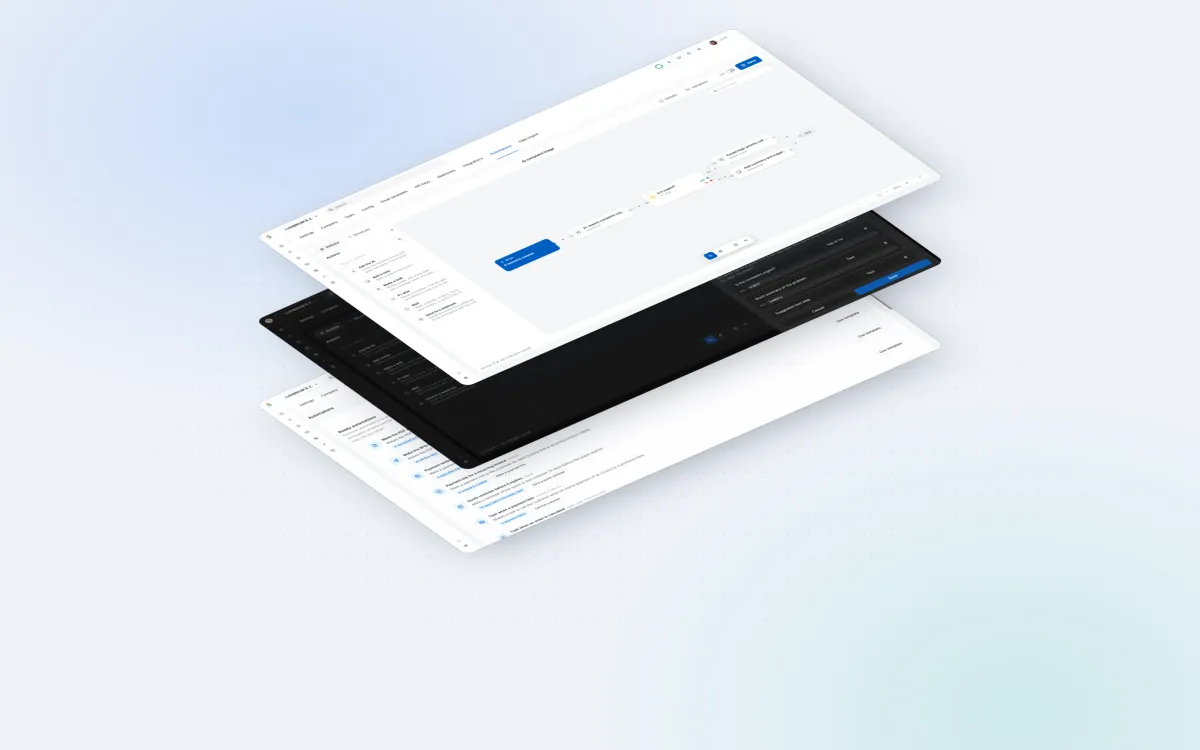
Let Shypr do the routine work.
Workflow automation means that software does a series of steps when an event occurs. In Shypr, each automation has three parts: when (the trigger), if (the condition) and then (the steps).
Triggers from your daily work
Start an automation when a document is created or finalized, a payment succeeds or fails, an order is cancelled or a packing list is finalized. Or start it a number of days before or after a date, or by hand.
Steps that do the work
Make the PDF and mail it, send a payment or quote reminder, create a task, add a note or send a webhook. Wait between steps, or split the flow into a yes and a no path.
Start from a template or from words
Pick a ready template, or describe the automation in your own words. The AI helper proposes a draft, and you apply it only when you agree.
Build an automation
When, if, then.
Build an automation in four steps, and see what it did on each run.
AI assistant, API and webhooks Quotes, orders and invoices
-
Choose the trigger
Choose the type of record and the event, for example 3 days after the due date of an invoice.
-
Add a condition
Let the automation run only when the condition is true, for example when the invoice is not paid.
-
Add the steps
Put the steps in the visual editor. Add a wait, or a yes and a no path.
-
Follow each run
See each run and the log of each step. When a step fails, Shypr sends a notification, and you can retry or skip the step.
FAQ
Questions about workflows.
Do I need to write code?
No. Choose the trigger and the steps from a list. A condition uses the fields of the record, and the editor completes them while you type.
Which templates are there?
Reminders for an overdue invoice and for a quote that expires soon, and tasks when a payment fails, an order is cancelled, a complaint comes in or you add a new customer. Shypr also sends the PDF and the mail of your documents with automations that you can change.
Can an automation send data to other systems?
Yes. A step can send a webhook to a system that you choose, with the data of the record.
Which plan includes the Workflow Module?
The Titanic plan. In a workspace, managers build and change the automations.
One system, every step.
Each part of Shypr works on the same data. Read how the other parts work.
Features
Your orders. Shipped, with Shypr.
Stop chasing orders across spreadsheets and inboxes. Start your free trial today and send your first quote in minutes. We import your customers, products and stock for free, so you work with your own data from day one.
 Ready in minutes
- Free data import
- Cancel any time

