
Minions
AI agents that do the routine work for you.
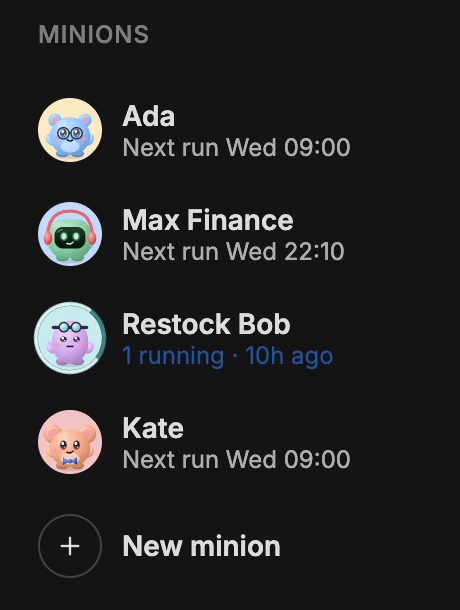
Give each minion a job: watch the stock, follow up on overdue invoices or check the orders of the day. It works on a schedule, from an automation or when you ask, and it reports to you when it is done. It asks for your approval before it acts, unless you pre-approved the work.

Minions
 AdaNext run Wed 09:00
 Max FinanceNext run Wed 22:10
 Restock Bob1 running
 KateNext run Wed 09:00
 Restock Bob
Daily 00:01
Three products are below their reorder level. I prepared a purchase order for your approval.
 Ada made a task
Call Nordwind Trading about INV-0874
Pre-approved
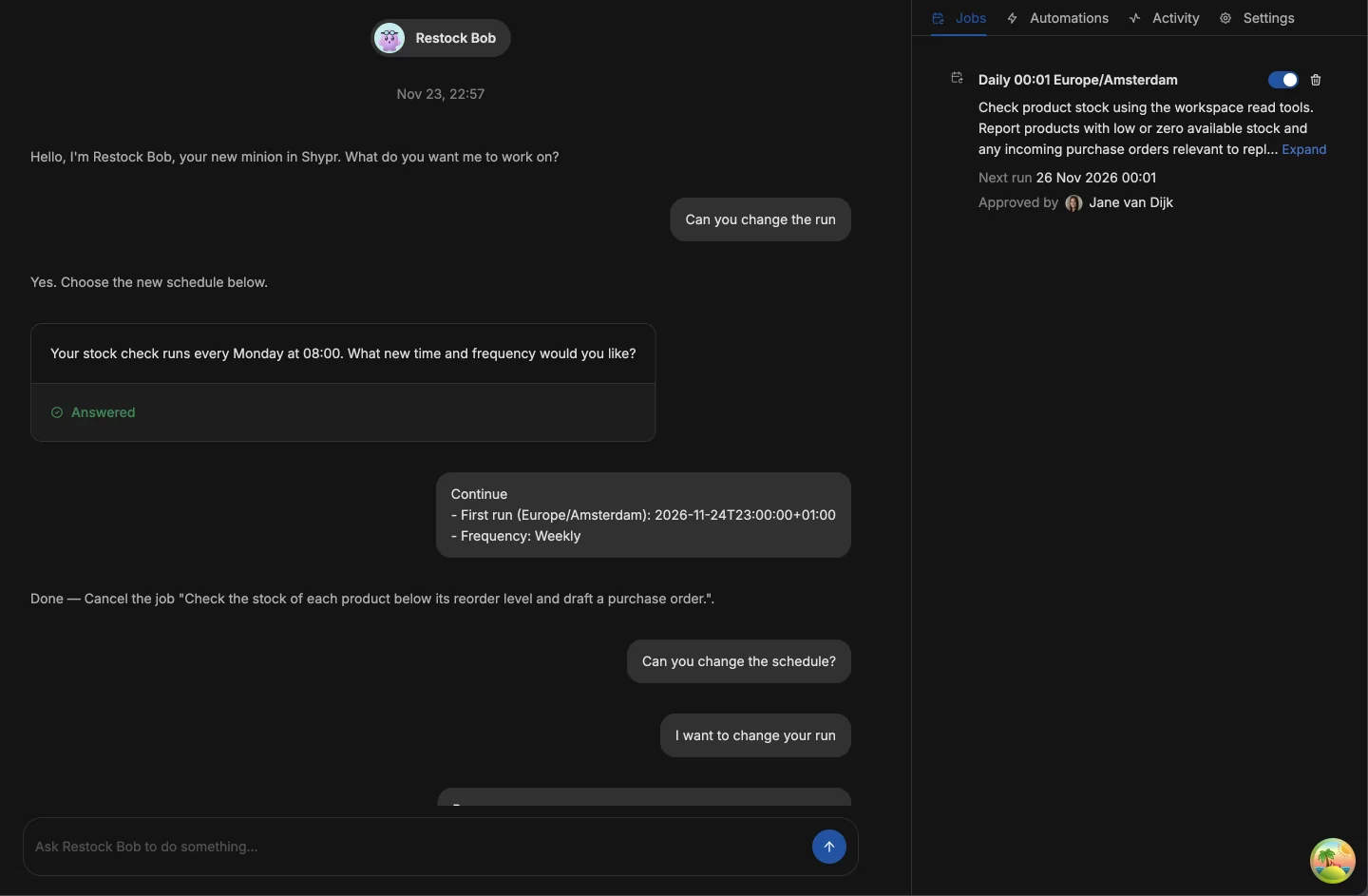
Chat with your minion like a colleague.
Tell it what to do in plain words. When it needs a choice from you, it asks a question. Its jobs, automations and runs are next to the chat.
 Restock Bob is done
3 products below the reorder level
A small team that never forgets a task.
A minion is an AI agent in Shypr. It reads the live data of your workspace and does the work you give it. You can have more than one: one for the stock, one for the invoices, one for the daily orders.
On a schedule
Daily, weekly or at the time you choose, in your time zone. Each job shows its next run and who approved it.
From an automation
Let an automation start the minion when something happens in Shypr, for example when an order comes in.
When you ask
Ask it in the chat to do something now, or to change its job. It reports back to you and sends you a notification.
Meet the crew
Twelve characters, one for each job.
Pick a character and a colour for each minion. Its face shows what it is doing, so you see at a glance who is busy.
-
Byte
-
 Dot
-
 Echo
-
 Fizz
-
Lingo
-
 Moss
-
 Nib
-
Pip
-
 Quill
-
 Sprocket
-
 Tally
-
 Tock
One look is enough
The face of a minion changes while it works. When something goes wrong, you see it at once.
-
Idle
-
 Thinking
-
 Working
-
Done
-
 Error
Make it yours
Your minion, your rules.
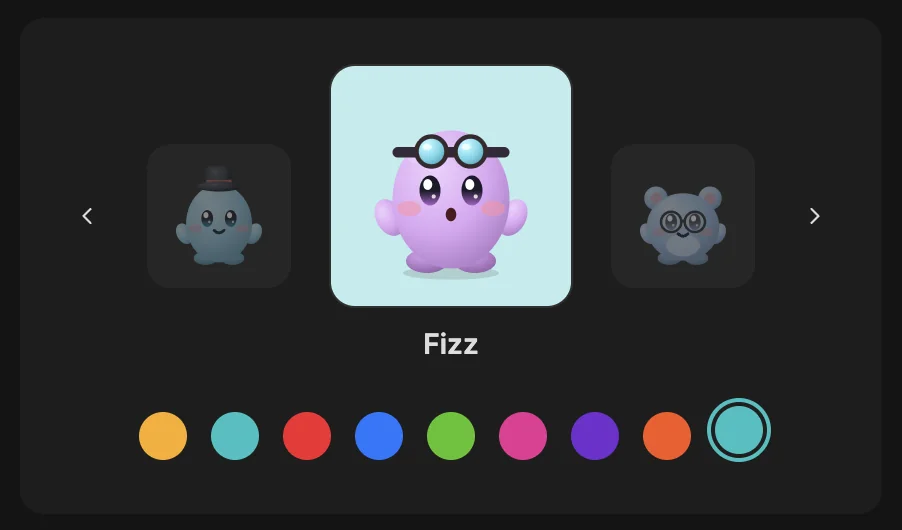
Pick a character
Each minion has its own face and colour, so you see at a glance who did what.
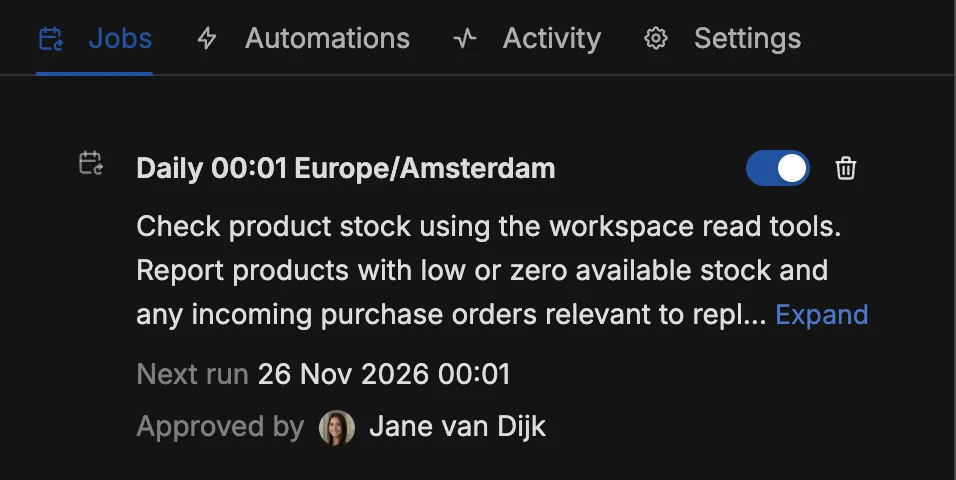
Give it a job
A job says what the minion does and when. Turn it off with one switch, and see who approved it.
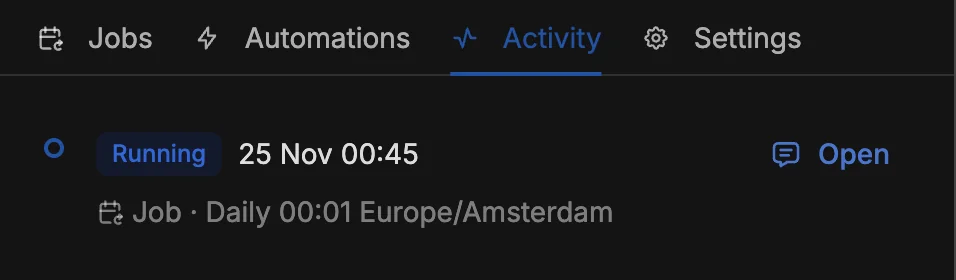
Follow each run
The Activity tab shows each run and its status. Open a run to read what the minion did.
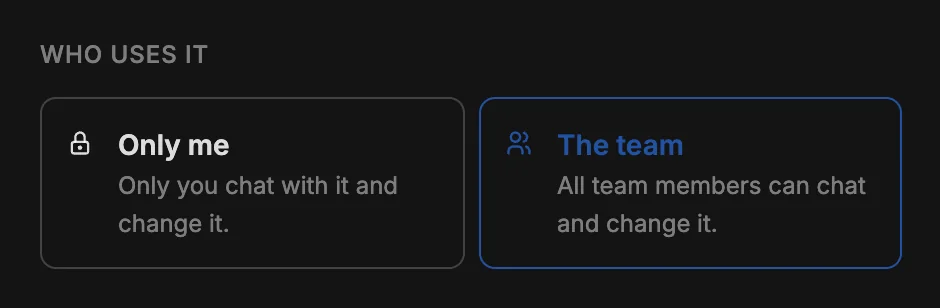
Decide who uses it
Keep a minion for yourself, or share it with the team. With the team, all team members can chat with it and change it.
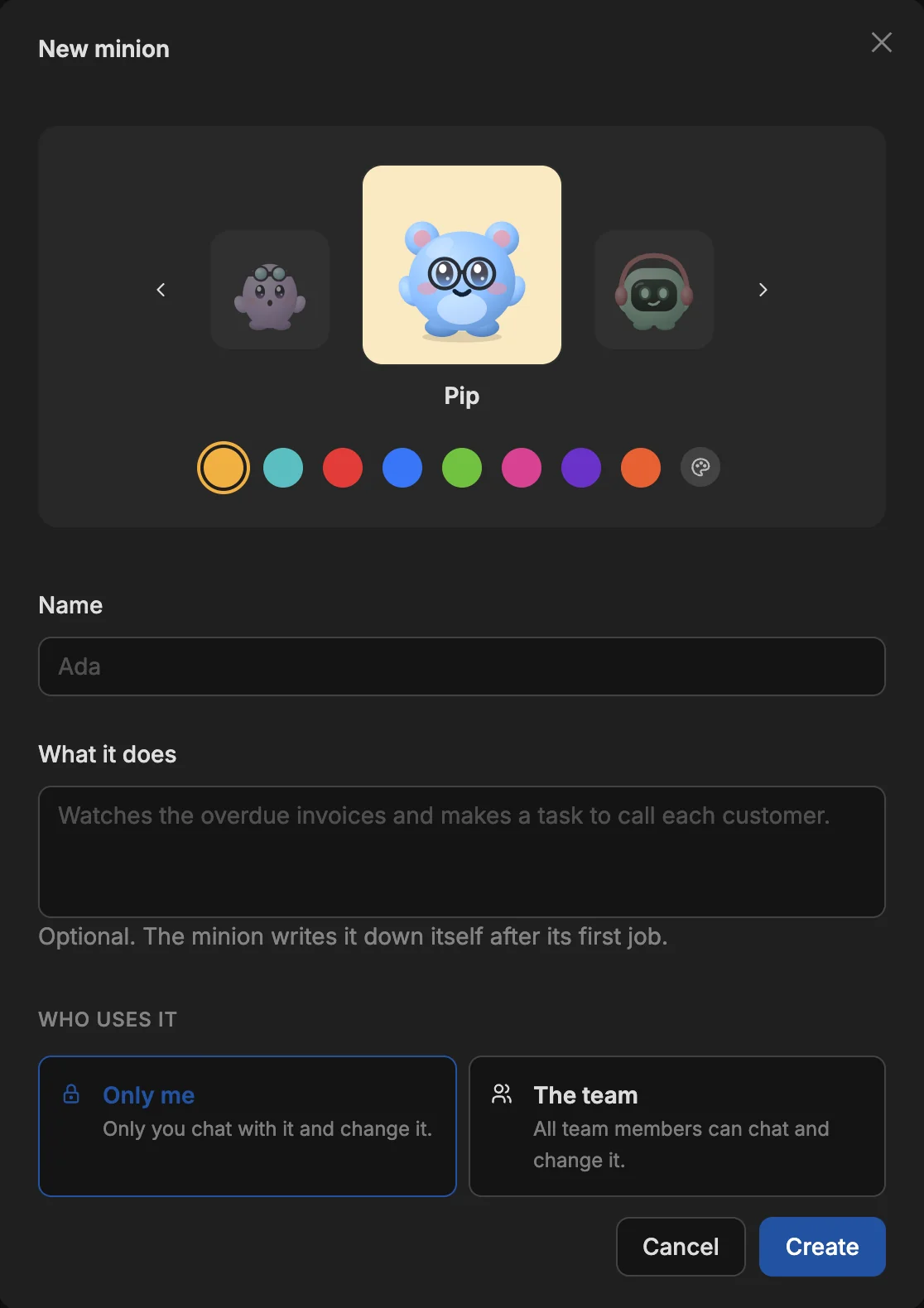
Ready in a minute
Your first minion in three steps.
-
Create a minion
Pick a character, give it a name and say who uses it.
-
Tell it what to do
For example: "Check the stock each morning and draft a purchase order for each product below its reorder level."
-
Approve the job
The minion proposes a job and a schedule. After your approval, it starts to work. Pre-approve the work you trust, and it asks you only for the rest.
Approval based
It asks before it acts.
A minion does not change your data on its own. It asks for your approval first. For the work you trust, give a pre-approval, and the minion does that work without asking.
-
 Approval first. Each change waits for your yes.
-
Pre-approvals. Choose the work it may do without asking.
-
One switch. Turn a job off at any moment.
-
A clear trail. Each job shows who approved it.
FAQ
Questions about minions.
What is a minion?
A minion is an AI agent in Shypr. It reads the data in your workspace and does work for you. You give it a name, a character and a job. It works on a schedule, from an automation or when you ask it in the chat.
Can a minion change my data?
A minion asks for your approval before it makes a change. For the work you trust, you can give a pre-approval, for example to make tasks for the team. Then the minion does that work without asking, and each run is in the Activity tab.
Who can use a minion?
You decide. With "Only me", only you chat with the minion and change it. With "The team", all team members can chat with it and change it.
How do I know what a minion did?
The minion reports to you and sends you a notification. The Activity tab shows each run with its status, and you can open the chat of each run.
One system, every step.
Each part of Shypr works on the same data. Read how the other parts work.
Features

Your orders. Shipped, with Shypr.
Stop chasing orders across spreadsheets and inboxes. Start your free trial today and send your first quote in minutes. We import your customers, products and stock for free, so you work with your own data from day one.
- Ready in minutes
- Free data import
- Cancel any time

